
 Grains & Pulses
 Organic Produce
 Spices & Condiments
 Fresh Herbs
 Fresh Fruits
 Fresh Vegetables
 Exotic Produce
 Seasonal Specials
 Groundnut Seeds
 Mustard Seeds
 Sesame Seeds
 Sunflower Seeds
 Fresh Fish
 Frozen Fish
 Crab & Lobster
 Prawns & Shrimps
 Bath & Body
 Skincare
 Haircare
 Oral Care
 Flavored Honey
 Honey Syrups
 Organic Honey
 Raw Honey
 Cornflakes
 Millet Mixes
 Oats & Muesli
 Granola
 Mini Tractors
 Harvesting Tools
 Power Tillers
 Sprayers & Pumps
 Chemical Fertilizers
 Pesticides
 Organic Fertilizers
 Herbicides
 Farm Tools
 Irrigation Equipment
 Threshers
 Packaging Machines
 Cold Storage Units
 Food Processing Machines
 Grinding & Milling Machines
 Baby Food
 Baby Skincare
 Diapers & Wipes
 Toys & Accessories
 Cattle Feed
 Fish Feed
 Pet Food
 Poultry Feed
 Frozen Chicken
 Ham & Bacon
 Meat Snacks
 Sausages
 Bakery Products
 Beverages (Juices, Soft Drinks)
 Packaged Snacks
 Ready-to-Eat Foods
 Biofuels
 Energy Storage Batteries
 Solar Panels
 Wind Energy Equipment



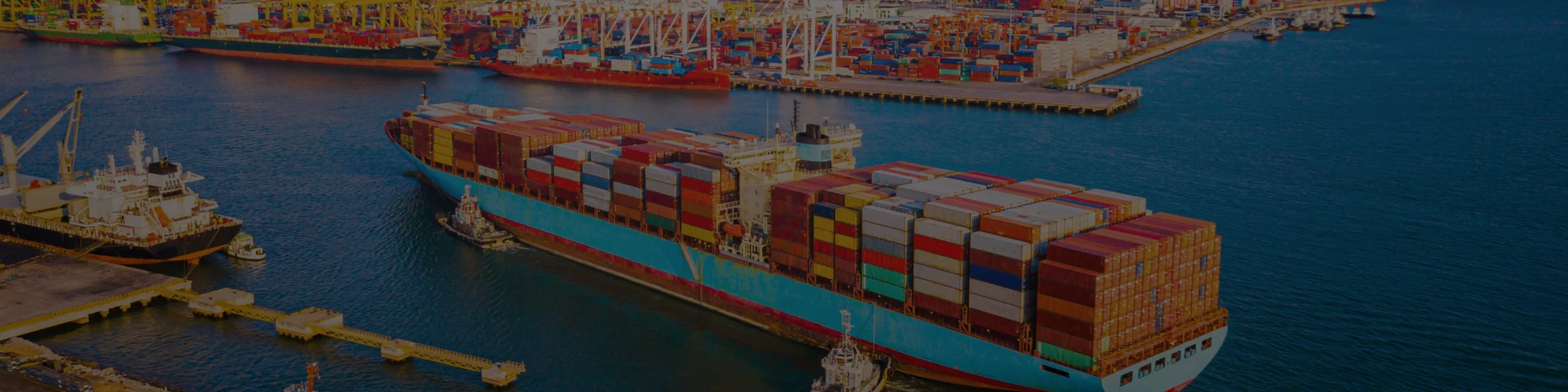
AUSExports connects Australian businesses with a global audience, providing a robust platform that supports international exposure along with services for Australian SME Farmers, Producers and Exporters.
AusExports: Building Export Pathways for Australian Producers
Australia has some of the world’s best agricultural and manufactured goods — yet thousands of small and regional producers never reach overseas buyers because exporting is simply too complex.
AusExports.com.au is being built to solve that national gap. We are creating a practical digital export marketplace, supported by OzMate AI, to help everyday Australian producers:
1. Understand export paperwork
2. Access overseas buyers
3. Price confidently
4. Connect with trusted export service providers
5. Become export-ready without expensive consultants
The Real Problem We Are Solving for many farmers and producers, exporting today are in the areas of:
1. Too much paperwork
2. Too many disconnected agencies
3. Too hard to find buyers & Too risky without guidance
5. Too expensive for smaller operators
As a result, Australia’s export participation remains concentrated among large corporates — while capable regional SMEs stay under-scaled.
Service and Solutions We are offering to Australian Farmers and SEMs (AI Backed Solutions):
✅ Export Readiness Check and Assistance for SME farmers and producers
✅ Plain-English compliance guidance
✅ Buyer discovery and market access workflows
✅ Pricing and quotation support
✅ Regional on-boarding and training ennoblement
✅ Stronger connections between SMEs and export service providers
Export Training

Benefits for Australian Farmers and Exporters
- Market Expansion: Gain access to a global marketplace, increasing your customer base and potential revenue streams
- Increased Sales: Enhance visibility and boost sales through broader market reach.
- Quality Assurance: Showcase high standards and quality, building a strong reputation internationally.
- Brand Recognition: Increase brand visibility and recognition in international markets.
- Sustainability: Promote sustainable practices to attract environmentally conscious consumers.
- Innovation Showcase: Highlight innovative products and methods, appealing to premium buyers.
Government Support – We Assist SMEs Adopting Gov Systems/Guidelines for Export
Trade export request documents
Essential paperwork required to process and approve international trade exports.
Check HereBiosecurity trade export exdoc
Essential paperwork required to process and approve international trade exports.
Check hereImporting exporting and manufacturing declaration
Essential paperwork required to process and approve international trade exports.
Check hereBecome a Member today and start selling your products.
Join NowAlready a seller? Promote your products to reach more customers.
Prmote your products
Support Australian SME Farmers
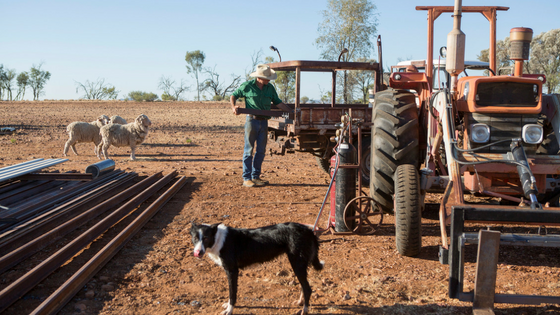
Our Promise To You

Free Shipping

Secure Payment

24/7 Chat Support

90 Days Return Policy

2/16 Prosperity Street, Truganina, Victoria 3029, Australia
Phone + 61 1300 505 276
Whatsapp: +61 469 054 198
email: [email protected]
Facebook: https://facebook.com/AusExports.au/